The awkward meals decide everything
A log is only as good as the entries you did not skip. The hard cases are the ones the input flow is designed around: eating out, snacking, cooking with one hand.
 Emira
EmiraPrivate beta · Android
Type it, say it, photograph it, scan it, or paste the recipe. Emira turns any of those into one entry with ingredients, amounts and a daily total, and shows you where every number came from.
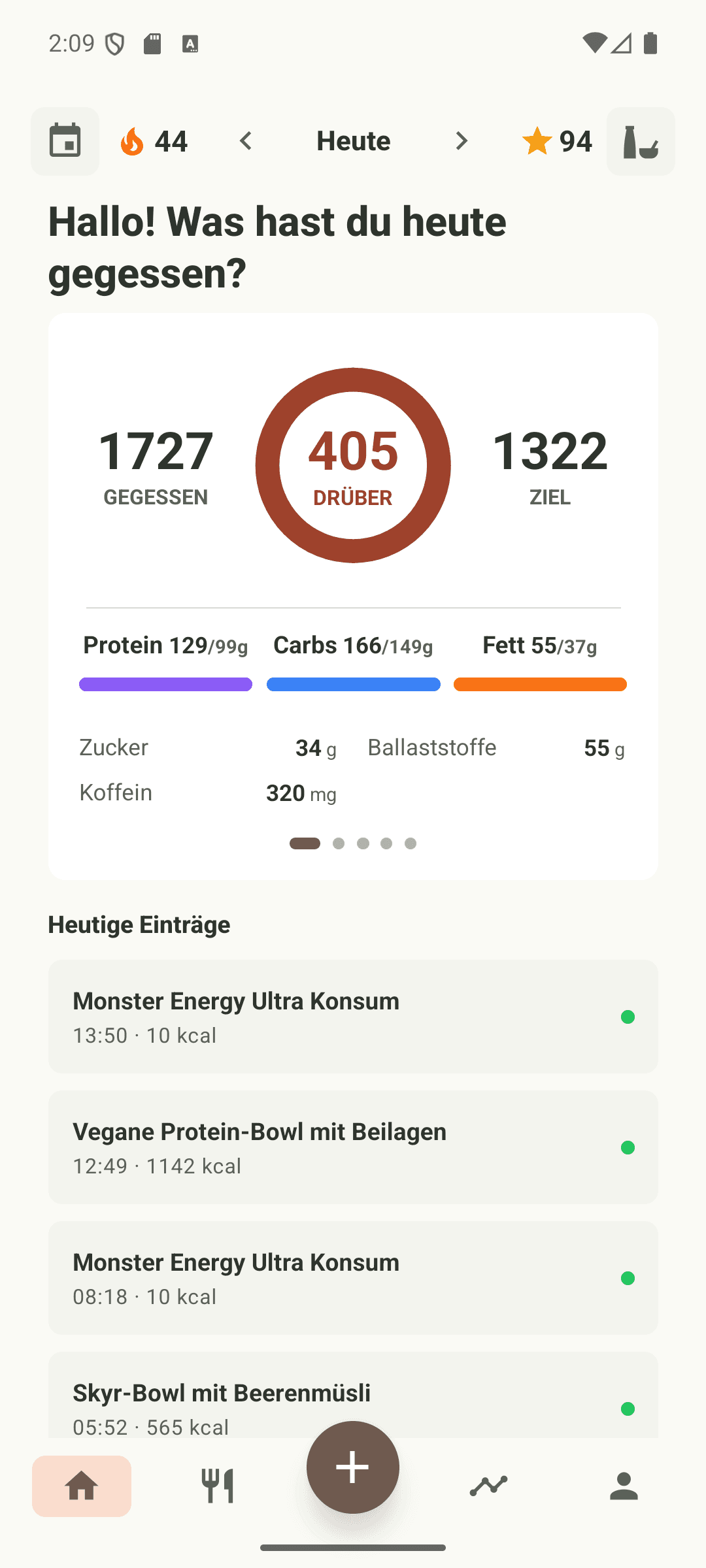
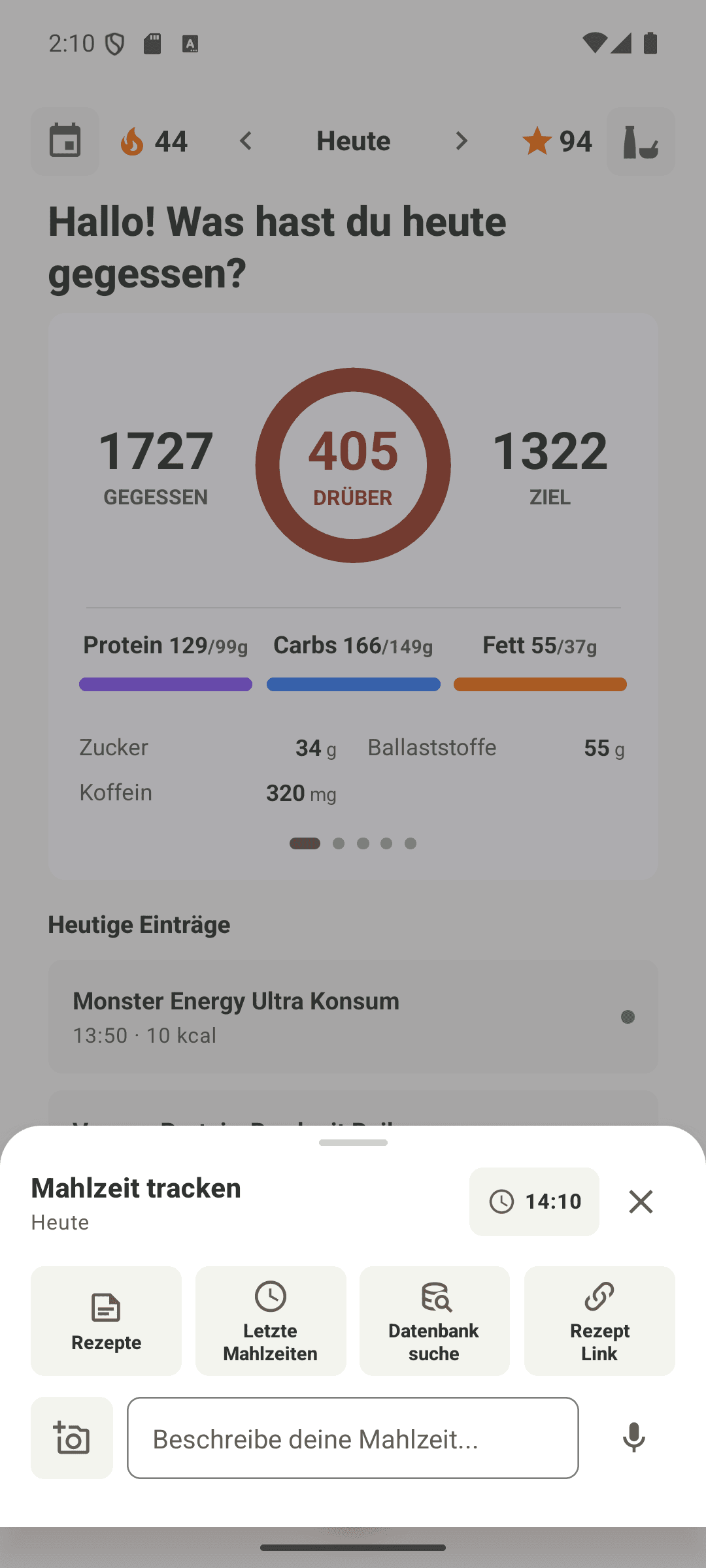
Each way of logging is precise about something different. Pick whichever is least effort right now. The entry ends up in the same place, and you can fix the details afterwards.
If you only remember one thing: name or scan the product, then say how much. Those two facts decide the total, and the comparison of all five methods goes through when each one is worth reaching for.
You write what you ate, the way you would tell a person: “180 g chicken breast, rice, a spoon of olive oil”.
Best for: Home cooking and anything where you know the amounts but there is no package to scan.
You scan the package and the exact product is identified from its catalogue entry.
Best for: Packaged food, drinks, protein bars, anything with a label.
You take a picture of the plate and Emira works out what is on it.
Best for: Restaurant plates and mixed dishes you could not itemise if you tried.
You say the meal out loud and it is handled like text.
Best for: Cooking, driving, or any moment where typing would mean not logging at all.
You paste a URL and the page is read before anything is logged.
Best for: Meals cooked from a recipe, and anything you will make again.
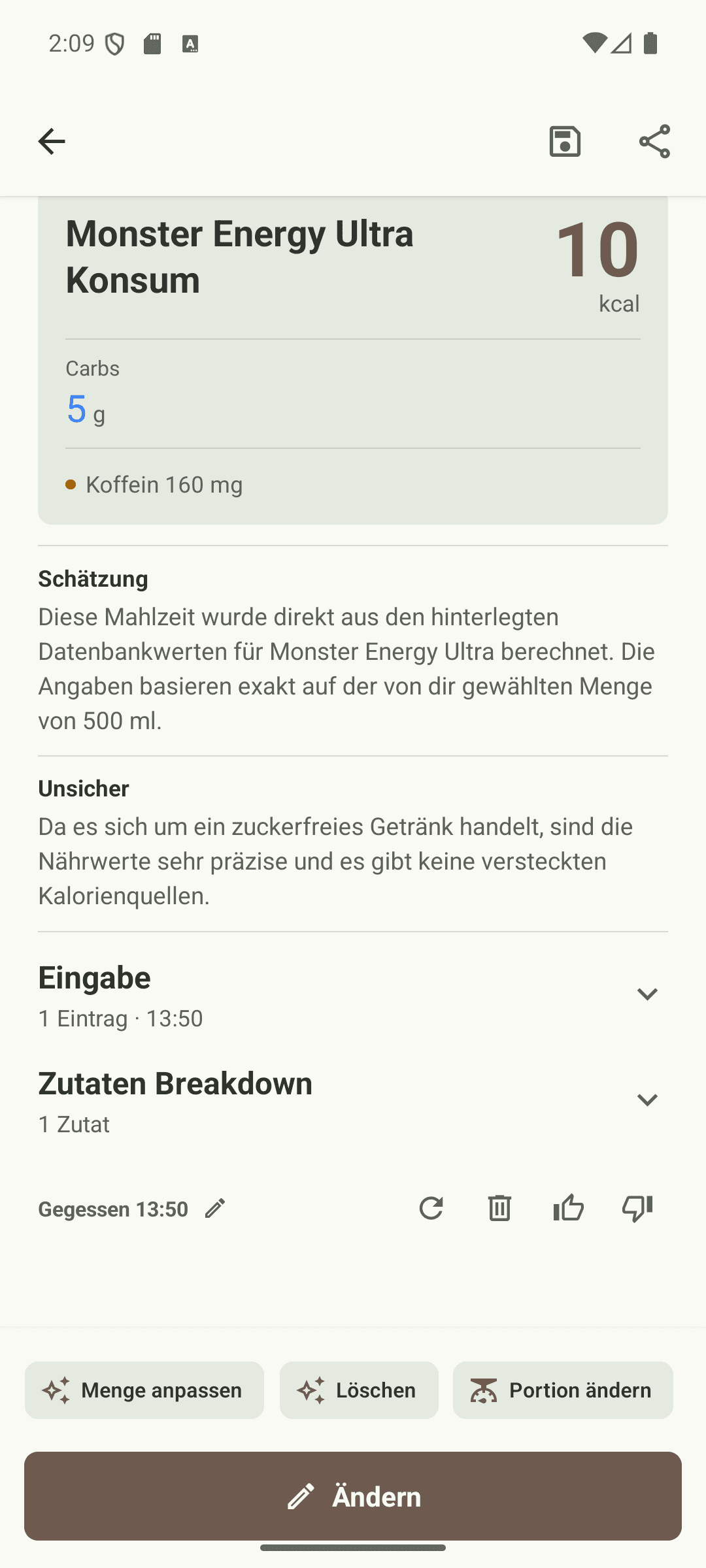
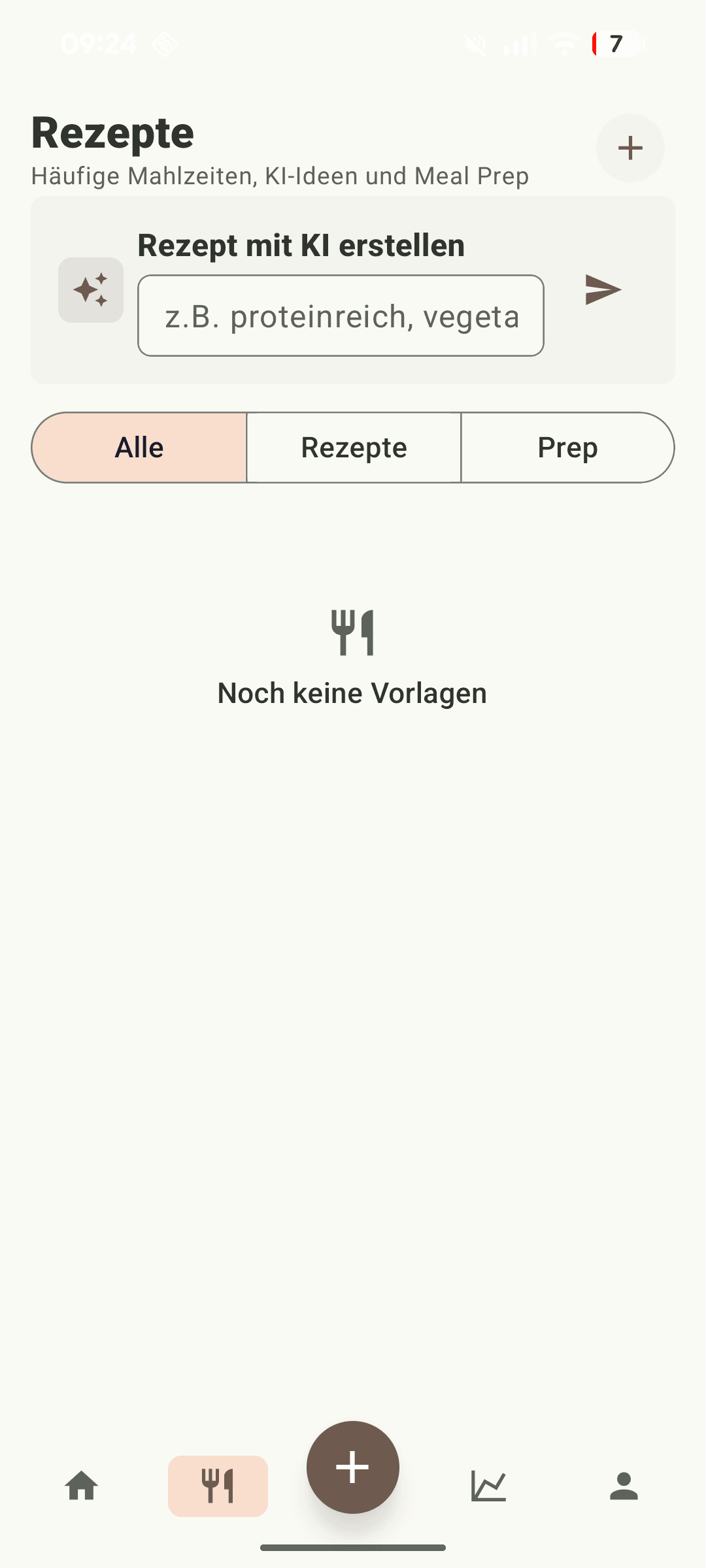
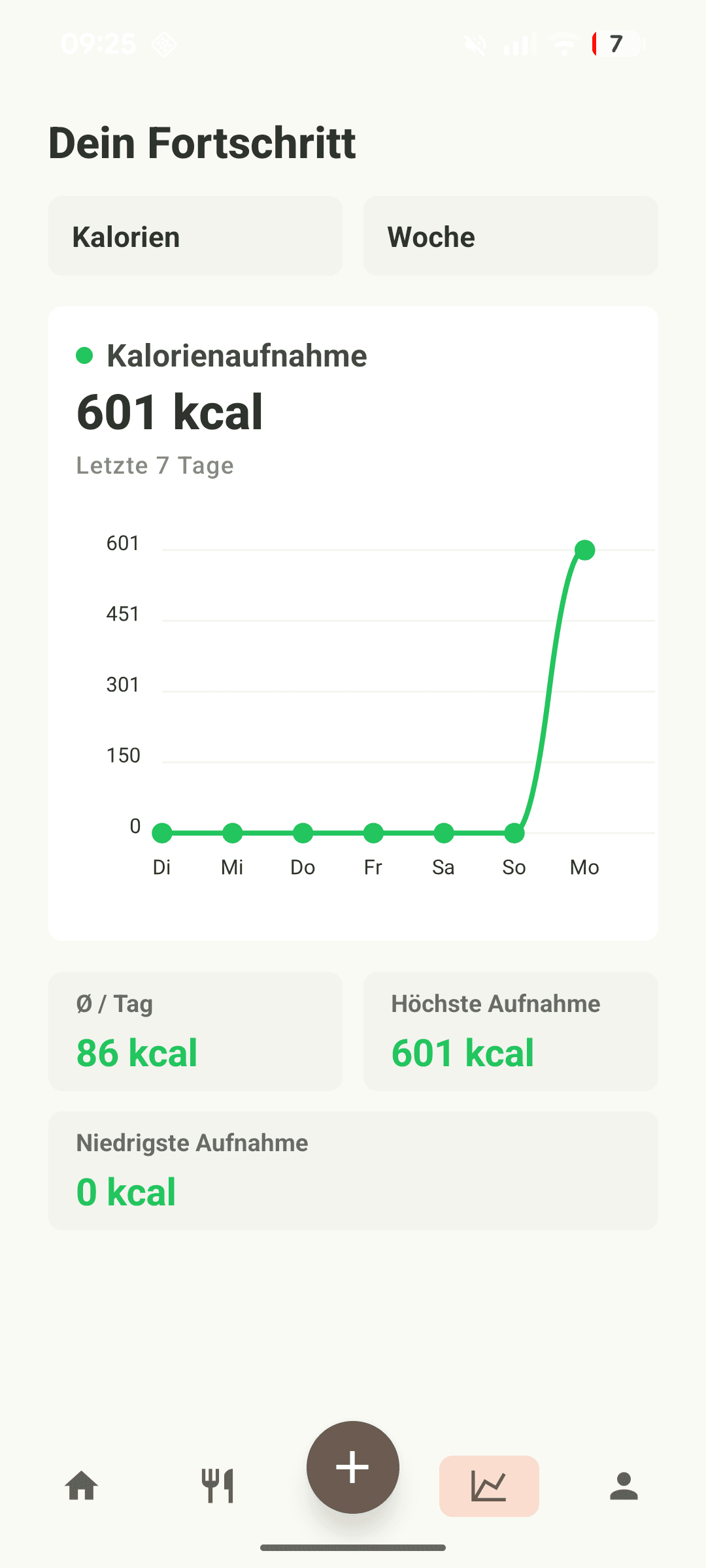
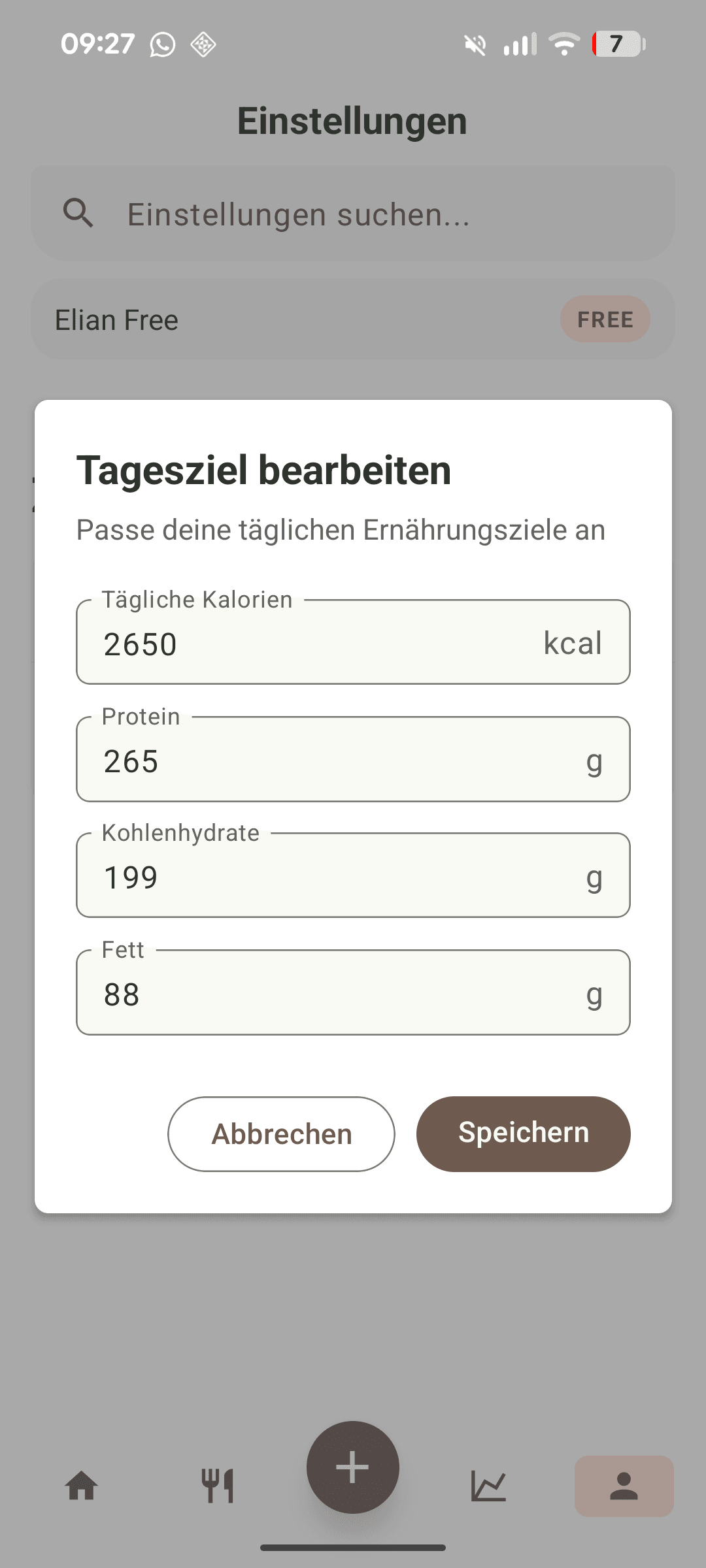
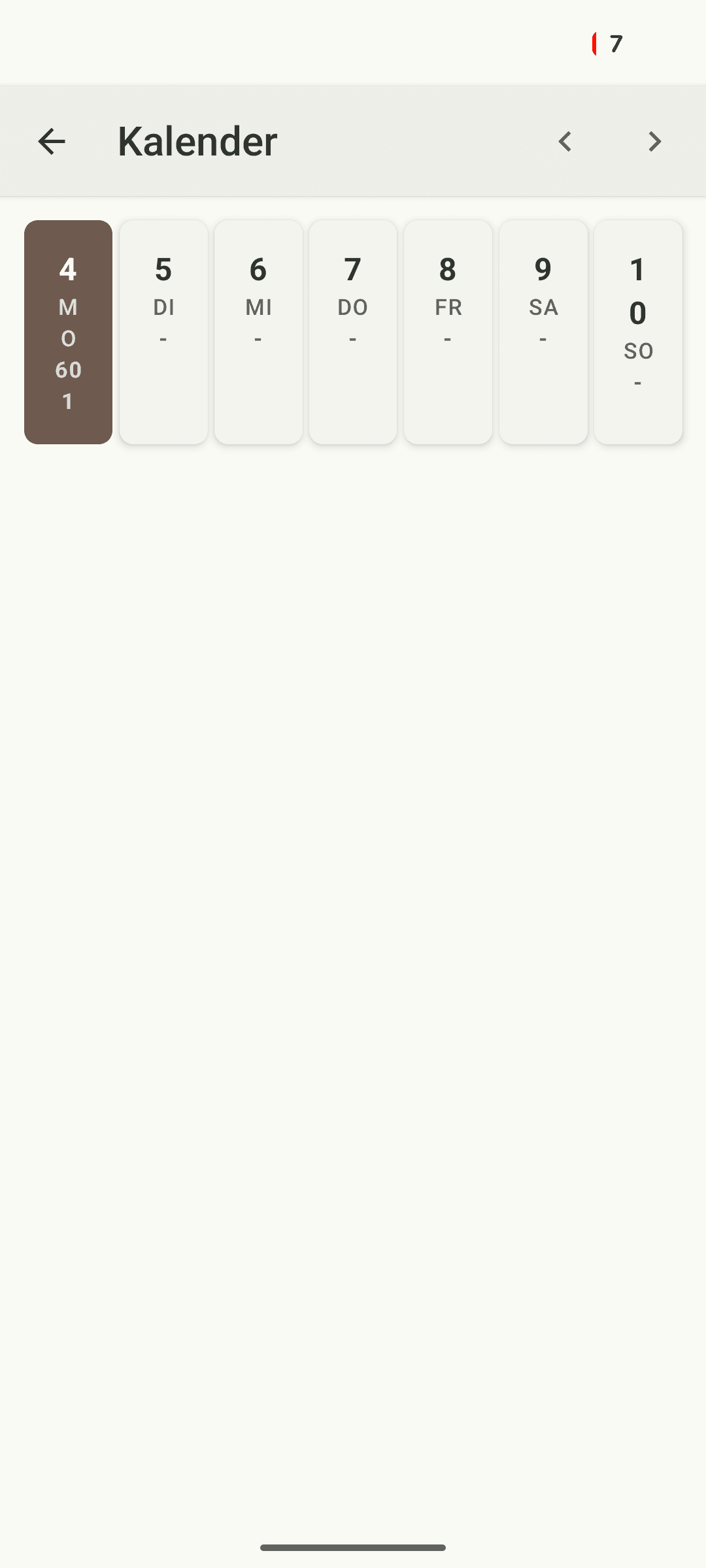
Screenshots from the current Android build. Nothing here is a mockup.
Food preferences
“Yoghurt” spans roughly 45 to 130 kcal per 100 g. Most trackers resolve that with an average and quietly get your breakfast wrong every single day, because the food you eat most often is the food they know least about.
Mark a product once as one you eat often and it becomes part of the context handed to every analysis. From then on your yoghurt is your yoghurt, whether you typed it, said it or photographed it, without a scan and without picking it from a list again.
It is the least visible feature in the app and one of the most useful, because it fixes the error you would otherwise never notice. See where it enters the pipeline.
A log is only as good as the entries you did not skip. The hard cases are the ones the input flow is designed around: eating out, snacking, cooking with one hand.
Mark a product as one you eat often and Emira stops guessing at it. Your yoghurt becomes the yoghurt, every time you mention it.
Each ingredient shows its amount, its confidence and its origin: scanned, looked up, or estimated. If something is off, you can see which part.
Protein, carbs, fat, sugar, fibre, caffeine and water share one flow, alongside mood and fullness if you want the context.
The three pages that answer the questions people actually ask before they trust a tracker.
Emira is in private beta on Android. Invitations go first to people who log regularly and tell us where it breaks. That feedback is what the next release is made of, and you can see the result of it in the release notes.